Python is famous for being readable, friendly, and just opinionated enough to stop your code from turning into a spaghetti monster wearing a keyboard. But when it comes to commenting out multiple lines, beginners often hit a tiny surprise: Python does not have a traditional multi-line comment syntax like /* ... */ in JavaScript, CSS, C, or Java.
So how do you comment out multiple lines in Python without slowly typing a # symbol until your fingers file a complaint with HR? The two practical methods are simple: use multiple single-line comments with #, or use triple-quoted strings for temporary block-style notes. One is the officially clean approach. The other is useful in certain situations but comes with a few “please do not abuse me” warnings.
This guide explains both methods, shows clear examples, highlights common mistakes, and adds real-world advice from everyday Python coding experience. Whether you are debugging a script, explaining a function, or temporarily disabling code that is misbehaving like a caffeinated raccoon, you will know exactly what to do.
Understanding Comments in Python
A comment in Python is text that the interpreter ignores. It is meant for humans, not machines. Comments explain why code exists, what a tricky section does, or why a strange-looking choice is actually intentional and not the result of programming at 2 a.m.
The standard Python comment starts with a hash symbol, also called a pound sign:
Everything after # on that physical line is ignored by Python, as long as the hash symbol is not inside a string. This means you can place comments on their own line or after code:
For multi-line explanations, Python developers usually stack several single-line comments. It may look simple, but simple is very Pythonic. Python prefers clarity over cleverness, and a neat block of # comments is usually clearer than a fake “block comment” workaround.
Method 1: Use Multiple Hash Signs for Multi-Line Comments
The best and most widely accepted way to comment out multiple lines in Python is to place a # at the beginning of each line. This is the closest thing Python has to a true multi-line comment.
Example: Commenting Out Several Lines
In this example, the first three lines are comments. Python ignores them, but a human reader can quickly understand what the function is supposed to do.
Example: Temporarily Disabling Code
Sometimes you do not want to delete code. You just want it to sit quietly in the corner while you test something else. That is when commenting out multiple lines becomes useful:
Here, the database-related lines are disabled. The script will only run the final print() statement. This is helpful during debugging, especially when you want to isolate one part of a program.
Why This Method Is Recommended
The # method is recommended because it creates real comments. Python does not treat these lines as strings, expressions, variables, or documentation. They are simply ignored. That makes them predictable, safe, and easy for code editors, linters, and other developers to understand.
This method also works anywhere in a Python file: inside functions, inside loops, inside classes, at the top of a module, or between statements. It does not change how your program behaves, and it will not accidentally become a docstring.
Using Editor Shortcuts to Comment Multiple Lines Faster
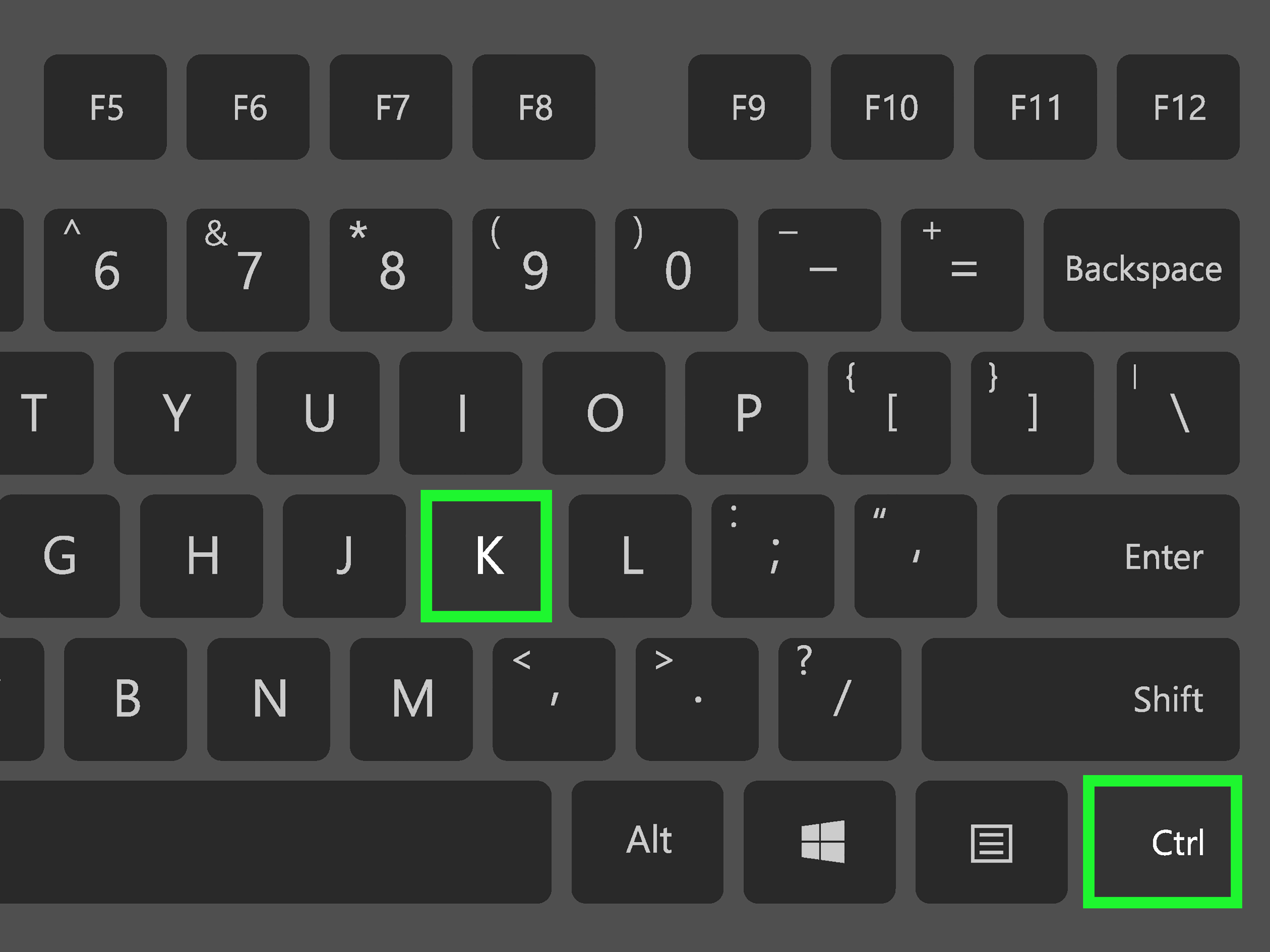
Typing # manually is fine for two or three lines. For twenty lines, it starts to feel like punishment from a very boring video game. Luckily, most modern code editors let you comment or uncomment multiple selected lines with a keyboard shortcut.
Common shortcuts include:
- Visual Studio Code: Select lines and press
Ctrl + /on Windows or Linux, orCmd + /on macOS. - PyCharm: Select lines and press
Ctrl + /on Windows or Linux, orCmd + /on macOS. - Jupyter Notebook: Select lines in a cell and use
Ctrl + /orCmd + /, depending on your operating system. - Sublime Text: Select lines and use
Ctrl + /orCmd + /.
The exact shortcut may vary depending on your editor settings, keyboard layout, or extensions. Still, once you learn your editor’s shortcut, commenting out multiple lines becomes quick, clean, and almost suspiciously satisfying.
Best Practices for Hash Comments
Use comments to explain the reason behind code, not the obvious action. A comment like this is not very helpful:
That comment repeats what the code already says. A better comment explains why the change matters:
Good comments save future readers from confusion. Bad comments add clutter. The best comments answer the silent question: “Why is this here?”
Method 2: Use Triple-Quoted Strings as a Block-Style Comment
The second method is to use triple-quoted strings. In Python, triple quotes can create strings that span multiple lines. You can use either triple double quotes or triple single quotes:
Because Python does not execute a standalone string literal in the same way it executes a function call or assignment, some developers use triple-quoted strings to “comment out” blocks of text or code. However, this method is not the same as a real comment.
Example: Triple-Quoted String Used Like a Comment
In this example, the first block is a string literal. Since it is not assigned to a variable or used in an expression, it does not produce output. The final print() statement runs normally.
Important Warning: Triple-Quoted Strings Are Not True Comments
This is the part where Python raises one eyebrow and says, “Careful.” Triple-quoted text is still a string literal. It is not a comment. That difference matters.
When a triple-quoted string appears as the first statement inside a module, function, class, or method, Python treats it as a docstring. A docstring is documentation that can be accessed later through tools such as help() or the __doc__ attribute.
For example:
In this case, the triple-quoted text is not a throwaway comment. It is the function’s official documentation string. That is useful when you are documenting code, but it is not the same thing as commenting out code during debugging.
When Triple-Quoted Strings Can Cause Problems
Triple-quoted strings can be convenient, but they can also create confusion. Here are a few common issues:
- They may become docstrings: If placed at the beginning of a module, class, or function, they may be stored as documentation.
- They can break if the block contains matching triple quotes: A block of code that already contains
"""may end the string unexpectedly. - They are not ignored in exactly the same way comments are: Python still parses them as string literals.
- They may confuse other developers: A teammate may wonder whether the string is documentation, a temporary note, or forgotten code.
For these reasons, triple-quoted strings are best used for docstrings and temporary experiments, not as a permanent commenting style.
Which Method Should You Use?
For most situations, use # on each line. It is clear, standard, and recognized as the correct way to write comments in Python. If you need to comment out multiple lines quickly, select the lines and use your editor’s comment shortcut.
Use triple-quoted strings when you are writing actual documentation, such as module, class, function, or method docstrings. You may also use them temporarily while testing, but avoid leaving them in production code as fake comments.
Quick Comparison
| Method | Best For | Is It a True Comment? | Recommended for Production? |
|---|---|---|---|
# on each line |
Real comments and disabling code | Yes | Yes |
| Triple-quoted strings | Docstrings or temporary notes | No | Only for documentation |
Common Mistakes When Commenting Out Multiple Lines in Python
Mistake 1: Treating Triple Quotes as Official Block Comments
Many beginners hear that triple quotes can span multiple lines and assume they are Python’s version of block comments. They are not. Triple quotes create strings. Sometimes those strings are harmless, but sometimes they become docstrings or interfere with readability.
Mistake 2: Leaving Old Commented-Out Code Forever
Commenting out code during debugging is normal. Leaving old disabled code in a file for six months is how projects become haunted houses. If the code is no longer needed, remove it. Version control systems such as Git already preserve history, so your source file does not need to become a museum of abandoned experiments.
Mistake 3: Writing Comments That Explain the Obvious
Comments should add value. Avoid explaining simple syntax that any Python reader can understand. Instead, explain decisions, assumptions, limitations, edge cases, and business rules.
Mistake 4: Forgetting Indentation
Python depends on indentation. Comments do not execute, but they should still be placed at the same indentation level as the code they describe. This keeps the file easy to scan.
The comment is indented inside the function because it explains logic inside that function. Clean indentation makes comments feel like helpful road signs instead of random sticky notes.
How to Comment Out Multiple Lines in Python for Debugging
When debugging, commenting out multiple lines can help isolate the source of an error. Suppose you have a script that loads data, cleans it, analyzes it, and exports a report. If the report is wrong, you might temporarily disable the export step and print intermediate values instead.
This approach lets you test one part of the program without triggering the whole workflow. It is especially useful when a later step sends emails, writes files, updates databases, or does anything else you do not want happening repeatedly while testing.
However, comments are not a replacement for good debugging tools. For larger projects, consider using breakpoints, logging, unit tests, feature flags, or separate development settings. Commenting out code is useful, but it should not be your only debugging strategy.
How to Write Better Multi-Line Comments
A useful multi-line comment should be short, relevant, and located close to the code it explains. It should not read like a novel, unless your function is doing something truly dramatic, like calculating shipping fees across 47 states during a holiday sale.
Good Multi-Line Comment Example
This comment explains the reason for the retry logic. It gives context that the code alone does not fully reveal.
Poor Multi-Line Comment Example
This version simply narrates the syntax. That is not helpful. Your code already says what it is doing. Your comments should explain why it is doing it.
Practical Examples of Commenting Out Multiple Lines
Example 1: Commenting Out a Function Call
This is useful when the function calls perform actions you want to avoid during development.
Example 2: Writing a Multi-Line Explanation
This comment explains a technical and business constraint. That is the kind of comment future developers appreciate.
Example 3: Using a Docstring Properly
This is a proper use of triple quotes. It documents what the function does, what input it expects, and what it returns.
Experience-Based Advice: What Actually Works in Real Python Projects
After working with Python scripts, tutorials, small automation tools, and larger application codebases, one lesson becomes very clear: comments are most helpful when they reduce mental effort. The goal is not to decorate the code. The goal is to make the next reader say, “Ah, that makes sense,” instead of “Who wrote this and are they okay?”
In real projects, the safest habit is to use # for temporary commenting and explanation. It is boring in the best possible way. Everyone recognizes it. Linters understand it. Code reviewers understand it. Beginners understand it. There is no hidden behavior. When a line starts with #, it is a comment. That certainty matters when several people are working in the same repository.
One common experience is using comments during debugging. For example, you may be testing a data-cleaning script and want to disable the file export step. Commenting out those lines with # is quick and safe. But here is the important part: once the issue is fixed, remove the dead code. A file filled with old commented-out blocks becomes difficult to trust. Developers start wondering which code matters and which code is digital dust. If you use Git or another version control system, you do not need to keep every old version inside the file. Let version control do its job.
Triple-quoted strings can feel tempting because they let you wrap a large block quickly. In a hurry, that can be useful. But in shared code, it often creates more questions than answers. Is it a docstring? Is it a temporary note? Did someone forget to delete it? Will it affect documentation tools? These questions slow people down. For that reason, triple-quoted strings are best reserved for real docstrings. When you open a function and see a triple-quoted block immediately below the definition, you should be able to trust that it explains the function, not that it is hiding code from last Tuesday’s debugging adventure.
Another useful habit is to write comments after you solve a tricky problem, not before every line you type. When you finish a complicated section, ask yourself: “What would confuse me if I came back to this in three months?” That question produces better comments. Maybe the code handles an odd API response. Maybe a calculation uses a business rule that is not obvious. Maybe a workaround exists because an external library behaves strangely in one edge case. Those details deserve comments.
In team environments, comments also help during code review. A reviewer may not know the background behind a decision. A short multi-line comment can prevent a long discussion. For example, explaining why a retry loop uses three attempts instead of ten can save time and avoid accidental changes later. The best comments protect important decisions from being “cleaned up” by someone who does not know the full story.
Finally, remember that comments do not fix unclear code. If a function is confusing, first try improving names, breaking logic into smaller functions, or simplifying conditions. Then add comments where context is still needed. Think of comments as seasoning, not the whole meal. A little makes the code better. Too much can make everyone reach for water.
Conclusion
Python gives you two practical ways to comment out multiple lines. The best method is to place # at the beginning of each line, either manually or with your editor’s shortcut. This creates real comments that Python ignores completely, and it is the cleanest choice for everyday coding, debugging, and production projects.
The second method is to use triple-quoted strings. This can look like a block comment, but it is technically a multi-line string, not a true comment. Use triple quotes for docstrings and documentation. Use them carefully if you temporarily disable code, and avoid leaving them behind as permanent comments.
In short: use # when you want comments, use triple quotes when you want documentation, and delete old commented-out code before it starts charging rent in your project.
Note: Python does not provide a dedicated multi-line block comment syntax. The most reliable and professional approach is to use multiple # comments, especially when writing code that other people will read, review, or maintain.