If you have ever squinted at a choppy camera pan on Nintendo Switch and whispered, “Come on, little tablet, I believe in you,” welcome. You are among friends. The dream of getting 60 FPS on Switch is one part performance tuning, one part realistic expectations, and one part accepting that some games are built like sports cars while others are built like a couch with swords attached.
So, is it possible to get 60 FPS on Switch? Yes, sometimes. But here is the key truth: on the original Nintendo Switch, Switch OLED, and Switch Lite, you cannot magically force every game to run at 60 frames per second. There is no hidden “ultra performance mode” in system settings, no magic HDMI cable blessed by the frame-rate gods, and no TV setting that turns a 30 FPS game into a buttery-smooth 60 FPS masterpiece. What you can do is maximize your chances of getting the best performance a game already supports.
This guide explains what 60 FPS means on Nintendo Switch, when it is actually possible, what settings and habits can help, and which myths deserve to be launched straight into the Mushroom Kingdom’s nearest lava pit.
What 60 FPS on Switch Actually Means
FPS stands for frames per second. In plain English, it is the number of images your game shows each second. A 60 FPS game usually looks smoother and feels more responsive than a 30 FPS game, especially in racing games, fighters, shooters, and fast action titles where every dodge, drift, and panic jump matters.
On the original Switch family, performance is always a balancing act between the console’s hardware, the game engine, the resolution target, and the developer’s priorities. Some developers aim for prettier visuals at 30 FPS. Others cut back on effects, shadows, or resolution to hit 60 FPS. That is why one game can feel silky smooth while another feels like it is jogging uphill in flip-flops.
Can You Force Every Switch Game to Run at 60 FPS?
No. Not on a stock, fully supported Nintendo Switch.
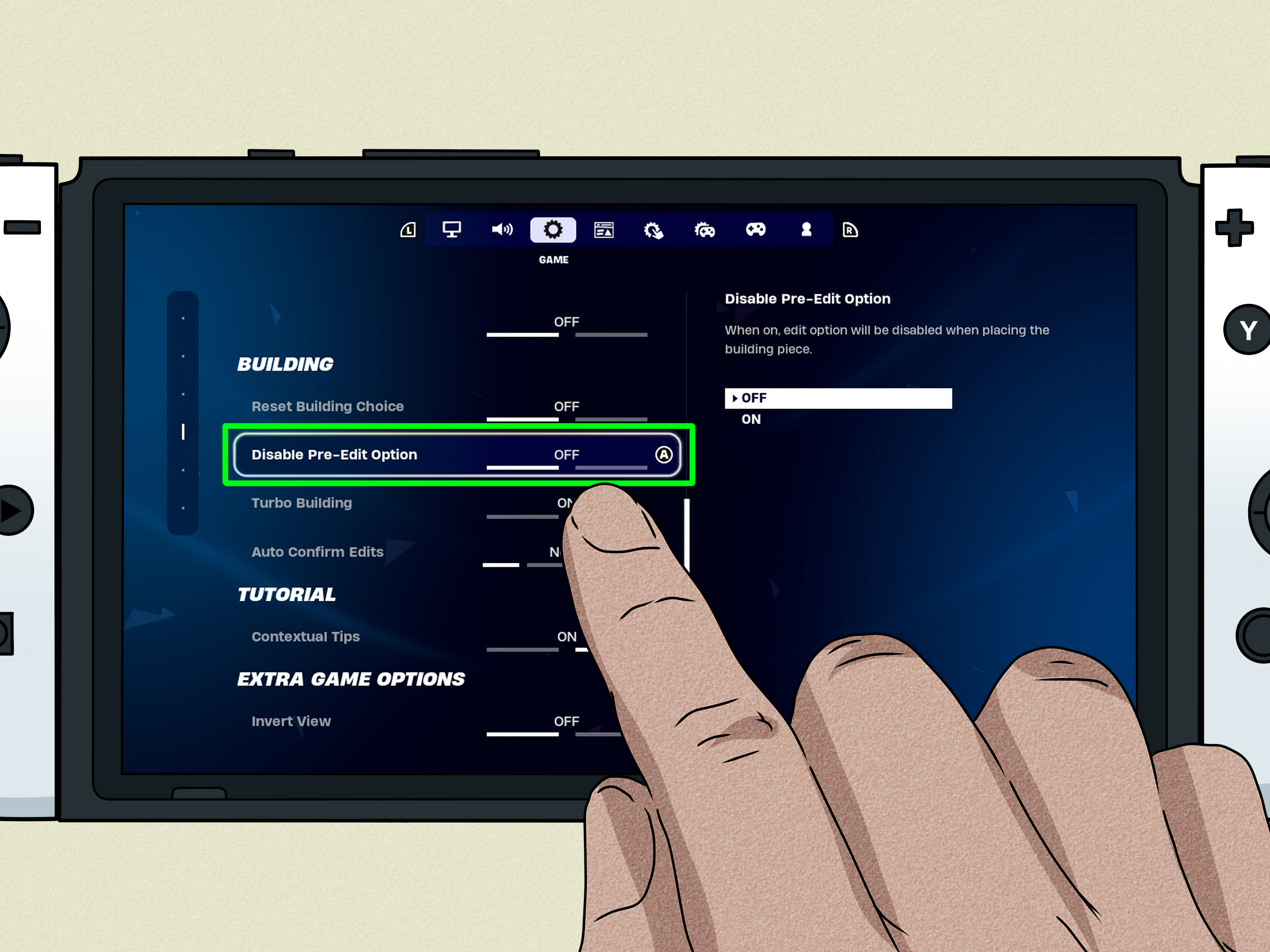
That is the short answer, and it is also the honest one. Nintendo’s system settings let you adjust things like TV resolution, RGB range, screen size, and sound output. Useful? Yes. A universal frame-rate unlock? Not even a little.
In other words, if a game is designed to target 30 FPS, the system menu does not include a secret button that says, “Actually, make that 60.” The frame-rate target is usually determined by the game itself. To reach 60 FPS, the title needs to be built for it, patched for it, or offer a performance-focused mode.
How to Maximize Your Chances of Getting 60 FPS on Switch
1. Use TV Mode When the Game Benefits From Docked Performance
For many games, docked mode gives the system more headroom than handheld mode. That does not mean every title suddenly becomes faster, but some games do perform better when docked. In certain cases, developers use that extra breathing room for higher resolution, steadier frame pacing, or even a different performance mode.
If you own a regular Switch or a Switch OLED, testing both handheld and docked mode is worth it. Some games feel nearly identical in both. Others clearly prefer one mode. If you own a Switch Lite, this option is off the table because Lite is handheld-only. That means any title that performs best in docked mode cannot show that advantage on Lite.
2. Keep Your System Updated
This tip is not glamorous, but it is real. Nintendo regularly releases system updates focused on stability. Game developers also push patches that can improve performance, fix stutter, smooth out frame pacing, or reduce bugs that drag the experience down.
If you are chasing better performance, make sure both your console and the game are fully updated. A lot of players go hunting for a miracle setting while ignoring the boring-but-important fact that they are still running an older version of the software. The miracle, unfortunately, is often called “install the patch.”
3. Check for a Performance Mode or Graphics Mode
This is where the real 60 FPS wins usually happen. Some Switch games include graphics options that let you choose between visual quality and smoother performance. If a title offers a performance mode, that is your best legal and simple route to higher frame rates.
The trade-off is usually lower resolution or reduced visual effects. That can sound painful on paper, but in motion, many players gladly take smoother combat, cleaner camera movement, and snappier controls over a few extra pixels. A gorgeous slideshow is still a slideshow.
One good example is Fire Emblem Warriors, which has been widely noted for a docked performance mode that prioritizes frame rate over image quality. This is exactly the kind of option you want to look for in fast-paced games.
4. Leave TV Resolution on Automatic, or Match It Sensibly
Nintendo lets you set TV resolution manually to 480p, 720p, or 1080p, but the smartest choice for most people is still Automatic. Why? Because forcing a setting your TV or setup does not handle cleanly can create confusion without delivering any real performance magic.
Here is the important distinction: output resolution and in-game frame rate are related, but they are not the same thing. A game decides how it renders internally; your TV setting decides how the console outputs the signal. Lowering TV output does not reliably convert a 30 FPS game into a 60 FPS game. At best, it may help a specific title under a specific implementation. At worst, it just makes the picture softer and your mood worse.
5. Use a Fast microSD Card for Convenience, Not for a Universal FPS Boost
A good microSD card matters if you buy digital games. It can help with storage and loading times, and that absolutely improves the overall experience. But let us separate two things that the internet loves to mash together: faster loading and higher frame rate.
A better card can reduce waiting. It does not usually rewrite the rendering budget of a game. So yes, buy a reliable card if you need storage or faster access to data. No, do not expect it to turn every frame-rate problem into a smooth 60 FPS victory parade.
6. Use Wired Internet for Online Stability, Not Rendering Performance
If you play online, a wired LAN adapter can make multiplayer feel more stable and responsive. That matters a lot in games where lag can look like bad performance. But network quality and frame rate are not the same thing.
Bad Wi-Fi can cause rubber-banding, input delay, or weird freezes in online matches. It can feel like low FPS even when the issue is actually connection quality. So if your online match is a disaster, fix your network first. Just do not confuse internet stability with the console suddenly rendering double the frames.
7. Give the Console a Normal, Cool Environment
This is less about unlocking hidden horsepower and more about not making your Switch suffer for no reason. Use the official dock, keep vents unobstructed, and do not bury the console inside a warm entertainment-center cave next to three other heat-producing gadgets and a dust colony.
Good airflow helps any system behave more consistently. Will this transform a 30 FPS port into a 60 FPS miracle? No. Will it help your console avoid performance headaches caused by heat and poor setup? Absolutely.
Games That Show 60 FPS Is Possible on Switch
If you are starting to think 60 FPS on Switch is a myth told by unusually optimistic uncles, here is the good news: plenty of games do reach it. The trick is knowing which kinds of titles are built for that goal.
- Hades and the upcoming original Switch version of Hades II are associated with smooth 60 FPS performance, which makes perfect sense for fast, dodge-heavy action.
- Carrion is another example of a title that feels notably smooth on Switch.
- Bayonetta 2 is often cited as a strong 60 FPS showcase on the system.
- Mario Kart 8 Deluxe, Super Smash Bros. Ultimate, and several first-party or highly optimized games are commonly praised for fluid performance.
- Prince of Persia: The Lost Crown is a standout recent example, with published performance targets of 1080p/60 FPS docked and 720p/60 FPS handheld on the original Switch.
Notice the pattern? These are usually games where responsiveness matters, art direction is optimized intelligently, or the developer built around the Switch instead of treating it like an afterthought with buttons.
When 60 FPS Is Unlikely
This is the part where we let reality into the room.
Demanding open-world ports and visually heavy games often target 30 FPS on Switch, and sometimes that is the right call. Games like Doom and The Outer Worlds are useful examples of how the Switch can run impressive software, but with clear compromises. In cases like these, the achievement is often getting the game to run decently on portable hardware at all, not squeezing 60 FPS out of every combat scene.
That does not make those versions bad. It just means expectations matter. The original Switch is a very clever hybrid system, not a tiny PS5 wearing a Nintendo costume.
What About Switch OLED and Switch Lite?
This is where many buyers get tripped up.
Switch OLED: It has a better screen, better tabletop setup, and lots of quality-of-life appeal. It is a lovely piece of hardware. But buying it solely to get 60 FPS in games that were 30 FPS on your older Switch is the wrong expectation. The OLED model can absolutely make games look nicer in handheld mode, but it does not function like a universal frame-rate upgrade machine.
Switch Lite: It is handheld-only, which means you lose any docked-mode advantages some games may offer. If a title runs best in TV mode or includes a dock-specific performance benefit, Switch Lite users do not get that option. Lite is great for portability, but it is not the model to choose if your main goal is squeezing every last performance perk out of the hardware.
If You Actually Mean Switch 2
Since it is now easy to search “Switch” and accidentally mean two different generations of hardware, this quick clarification matters: if you own the newer Nintendo system, the answer changes a lot. The newer hardware officially supports much higher frame-rate ceilings in compatible games. But for the original Switch family, the rule remains the same: 60 FPS is possible in the right games, not universally forceable across all of them.
Common Myths That Will Not Magically Give You 60 FPS
- “A more expensive HDMI cable will unlock extra frames.” It will not.
- “Changing DNS settings will improve FPS.” That may affect network behavior, not the game’s rendering target.
- “A gaming TV automatically makes the Switch run faster.” It can improve motion handling or input latency, but it does not change what the Switch is actually rendering.
- “Every game should hit 60 FPS if the developer just cared more.” Development is not that simple. Art style, engine limits, memory, CPU budget, battery targets, and thermal design all matter.
- “If it looks smoother, it must be 60 FPS.” Sometimes smoother frame pacing, better motion blur, or reduced input lag can create that impression without the game actually doubling its frame rate.
Final Verdict: How to Get 60 FPS on Switch
Yes, getting 60 FPS on Switch is possible. But only when the game itself supports it, targets it, or includes a performance-focused mode that makes it achievable. On the original Nintendo Switch, you cannot flip a universal system switch and turn every 30 FPS game into a 60 FPS game. That is the bad news.
The good news is that you can still improve your odds. Use docked mode when possible, keep your system and games updated, look for performance modes, leave TV settings sensible, use good storage for faster loading, and avoid confusing network issues with rendering issues. Most importantly, choose games that were built or optimized with smooth performance in mind.
In other words, the dream is real. It is just selective. Much like my motivation to exercise, it tends to show up only under the right conditions.
Player Experience: What Chasing 60 FPS on Switch Really Feels Like
In real-world play, the hunt for 60 FPS on Switch usually starts with hope, turns into testing, and ends with you becoming weirdly opinionated about one specific port at 11:42 p.m. You launch a game in handheld mode, swing the camera around, and immediately begin the ancient gamer ritual of asking, “Does this feel smooth, or am I emotionally attached to the idea that it feels smooth?”
When a game truly hits 60 FPS on Switch, the difference is obvious. Menus feel snappier. Movement looks cleaner. Dodging feels more immediate. Racing lines are easier to hold. Platforming feels tighter. Fighting games stop feeling like you are issuing commands through a polite but slightly sleepy interpreter. It is not just a graphics thing; it is a feel thing. The game seems more awake.
The funniest part is that once you get used to a smooth 60 FPS title on Switch, your standards rise instantly. A game like Hades or a polished action platformer can spoil you. Then you boot up a more demanding port that targets 30 FPS and suddenly every camera turn feels like it is trudging through peanut butter. The game may still be perfectly playable, but your brain has already moved into a nicer neighborhood.
Docked mode can also change the mood of the experience. On some games, the difference is subtle. On others, it is the difference between “pretty nice” and “oh, there you are.” Sitting on a couch with the system docked, using a proper controller, and seeing a game run at its best available mode often makes the whole Switch feel more capable. Handheld is still the magic trick, of course. The idea that you are carrying a console-grade game in your hands remains wildly charming. But when a game needs just a little more room to breathe, TV mode can feel like removing a backpack after a long day.
Then there is the emotional side of expectations. Players do not usually get frustrated because a game is 30 FPS. They get frustrated when they expected 60 and got 30, or expected stable 30 and got “mostly 30 except when anything exciting happens.” That is why setting realistic expectations matters so much. A well-optimized 30 FPS game can still be enjoyable. A shaky, inconsistent performance mode can actually feel worse than a solid lower target.
What seasoned Switch players eventually learn is that the best experience often comes from matching the game to the hardware instead of fighting the hardware. If you want fluid action, choose games known for fluid action. If you want a giant technical showpiece, understand that the original Switch may ask for compromises. And if you ever catch yourself blaming your microSD card, your HDMI cable, your router, your television, and the weather before checking whether the game was ever meant to run at 60 FPS in the first place, congratulations: you have officially joined the club.
The original Switch is at its best when developers respect its limits and design around them. When that happens, 60 FPS is not just possible. It is delightful. It makes the system feel nimble, clever, and a little more powerful than it has any right to feel. And honestly, that is part of Nintendo’s charm. Sometimes the machine does not win with brute force. Sometimes it wins by being smart, efficient, and just stubborn enough to surprise you.