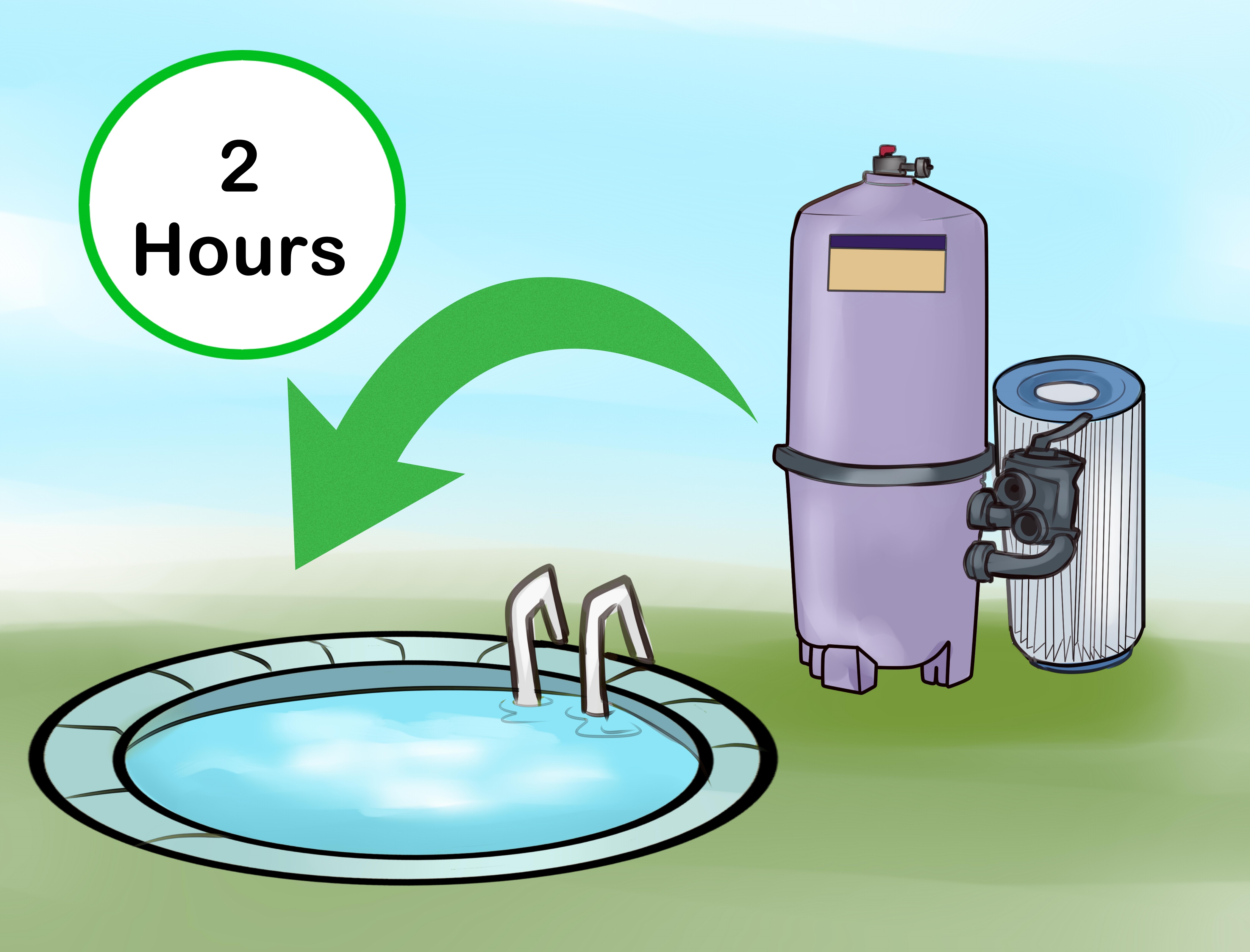
A pool pump is the heart of your swimming pool, but unlike your actual heart, it does not need to run at full speed 24 hours a day while making your electric meter spin like a carnival ride. Learning how to set a pool timer is one of the easiest ways to keep your water clean, your equipment happier, and your utility bill from developing a dramatic personality.
The goal is simple: circulate and filter enough water to maintain clarity and sanitation without wasting energy. That means choosing the right pump run time, programming your timer correctly, adjusting for season and usage, and avoiding the classic homeowner strategy of “turn it on and hope the water behaves.” Hope is lovely. Timers are better.
This guide explains how pool timers work, how long to run your pool pump, how to set mechanical and digital timers, and how to build an efficient schedule for single-speed, two-speed, and variable-speed pool pumps.
Why a Pool Timer Matters
Your pool pump pulls water from the pool, pushes it through the filter, and returns cleaner water back into circulation. Along the way, it may also support a heater, salt chlorine generator, automatic cleaner, water feature, or solar system. Without enough circulation, chemicals do not distribute evenly, debris lingers, algae gets bold, and your pool starts looking less “backyard oasis” and more “frog conference center.”
But more run time is not always better. Running a pump too long can waste electricity, add unnecessary wear to the motor, and increase noise. A timer lets you automate the schedule so the pump runs when it is most useful. For most residential pools, that means a predictable daily schedule, often split between morning and afternoon or adjusted around off-peak electric rates.
Before You Set the Timer, Know Your Pump Type
Not all pool pumps behave the same way. The best timer setting depends heavily on whether your pump is single-speed, two-speed, or variable-speed.
Single-Speed Pool Pump
A single-speed pump has one setting: full blast. It is simple, sturdy, and about as subtle as a leaf blower at 6 a.m. Because it cannot slow down, it usually needs fewer total hours than a variable-speed pump, but each hour uses more electricity. A common starting point is 6 to 10 hours per day, depending on pool size, weather, debris, and swimmer load.
Two-Speed Pool Pump
A two-speed pump has a high setting and a low setting. High speed is useful for vacuuming, backwashing, heating, spa jets, or water features. Low speed is usually better for regular filtration because it uses less power and is quieter. A timer for a two-speed system may run low speed for longer periods and high speed only when needed.
Variable-Speed Pool Pump
A variable-speed pump is the efficiency champion. Instead of running at one fixed speed, it can operate at different RPM settings. For basic filtration, slower speeds often work beautifully and use far less energy. Many pool owners run variable-speed pumps longer at lower speeds because slow circulation can improve filtration while keeping energy use reasonable.
How Long Should a Pool Pump Run?
The old rule of thumb says to run a pool pump about 8 hours per day. That is a useful starting point, not a sacred commandment delivered by the Pool Gods. The better answer depends on turnover, pool size, flow rate, climate, debris, and water quality.
Turnover means moving the pool’s full volume through the filtration system. To estimate your ideal run time, divide your pool volume by your pump’s flow rate. For example, if your pool holds 18,000 gallons and your system moves about 45 gallons per minute, the pump moves 2,700 gallons per hour. Divide 18,000 by 2,700 and you get about 6.7 hours for one turnover.
That does not mean every pool must complete exactly one turnover every day in all conditions. A lightly used, screened-in pool in mild weather may need less. A sunny pool full of kids, sunscreen, leaves, pollen, and mysterious inflatable animals may need more.
Simple Run-Time Starting Points
Use these as practical starting points, then adjust based on water clarity and test results:
- Small above-ground pool: 4 to 8 hours per day.
- Average residential in-ground pool: 6 to 10 hours per day.
- Hot summer weather or heavy swimming: 8 to 12 hours per day.
- Cooler months: 3 to 6 hours per day may be enough if the pool stays balanced.
- After algae treatment or cloudy water: continuous operation may be needed temporarily until the water clears.
The best test is not whether your timer looks impressive. The best test is whether your water is clear, your sanitizer level is stable, your filter pressure is normal, and debris is not camping in the corners.
Best Time of Day to Run a Pool Pump
There are three smart ways to think about timing: water care, energy rates, and equipment needs.
Morning Run Time
Morning circulation helps clear overnight debris and mixes chemicals before the pool gets used. It is also a good time to skim, brush, or vacuum because the pump can help pull suspended debris into the filter.
Afternoon Run Time
Afternoon circulation helps during the hottest part of the day, when sunlight and swimmer activity can burn through chlorine faster. If your pool gets heavy use after school or work, an afternoon schedule can help keep water moving when demand is highest.
Night Run Time
Night operation may save money if your utility offers lower off-peak rates. It can also be useful after adding certain chemicals, especially when sunlight would reduce their effectiveness. However, if your pool uses a heat pump, daytime operation may be more efficient because warmer air helps the heater work better.
A Practical Daily Pool Timer Schedule
For a single-speed pump on an average residential pool, try this simple schedule:
- Morning: 7:00 a.m. to 11:00 a.m.
- Afternoon: 3:00 p.m. to 7:00 p.m.
That gives you 8 total hours, split across the day. Splitting the run time helps maintain circulation without leaving the water still for too long. If the pool stays clean for a week, reduce by 30 to 60 minutes and watch the results. If the water gets dull or algae appears, increase run time and check chemistry.
For a variable-speed pump, a more efficient schedule might look like this:
- Low speed: 8:00 a.m. to 6:00 p.m. for steady filtration.
- Medium speed: 1 to 2 hours for skimming, heating, or cleaner operation.
- High speed: only when vacuuming, backwashing, running spa jets, or priming equipment.
The magic is not simply “run longer.” The magic is “run slower when possible.” A slower pump often filters more gently, creates less strain, and keeps the backyard from sounding like a small airport.
How to Set a Mechanical Pool Timer
Mechanical pool timers are common on older systems and many equipment pads. The classic version has a round 24-hour dial, ON and OFF trippers, and a manual override lever. These timers are durable, simple, and refreshingly uninterested in Wi-Fi passwords.
Step 1: Open the Timer Box Safely
Open only the outer timer door. Do not remove internal covers, touch wiring, or attempt electrical work unless you are qualified. Pool equipment uses serious voltage, and “I watched one video” is not an electrical certification. If the timer is damaged, buzzing, sparking, wet inside, or not keeping time, call a licensed electrician or pool professional.
Step 2: Set the Current Time
Find the time pointer. Pull the dial outward gently if your model requires it, then rotate the dial until the correct current time lines up with the pointer. Pay attention to AM and PM. A timer set 12 hours off will run beautifully at the wrong time, which is still wrong, just with confidence.
Step 3: Position the ON Tripper
The ON tripper tells the timer when to start the pump. Loosen the small screw on the ON tripper, place it at your desired start time on the dial, and tighten it firmly. For example, place it at 7:00 a.m. if you want the pump to begin in the morning.
Step 4: Position the OFF Tripper
The OFF tripper tells the timer when to stop the pump. Place it at your desired stop time and tighten it. For example, set it at 11:00 a.m. for a four-hour morning cycle. Some mechanical timers allow multiple ON/OFF pairs, but many come with one pair installed. Additional trippers may be available for compatible models.
Step 5: Use Manual Override Only When Needed
The manual lever lets you turn the pump on or off without changing the next scheduled cycle. This is helpful for vacuuming, adding chemicals, or testing equipment. Just remember that manual override is not a lifestyle. If you use it every day, your timer schedule probably needs adjusting.
How to Set a Digital Pool Timer
Digital timers vary by brand, but the basic process is similar. You set the clock, choose program days, add start and stop times, then confirm the schedule.
Step 1: Set Date and Time
Start with the current date, time, and time zone if the timer asks for it. Also check daylight saving time settings. A digital timer with the wrong clock is not smart; it is just very organized about being incorrect.
Step 2: Choose Days of Operation
Most pools need daily circulation during swim season. In cooler months, you may be able to run fewer hours per day, but skipping entire days is usually not ideal unless the pool is winterized or local conditions allow it.
Step 3: Add Start and Stop Times
Program one or more daily cycles. For example, create Program 1 from 7:00 a.m. to 11:00 a.m. and Program 2 from 3:00 p.m. to 7:00 p.m. Confirm each setting before exiting the menu.
Step 4: Test the Schedule
Use the timer’s manual mode or temporary override to confirm the pump starts and stops properly. Then return it to automatic mode. Many timer issues happen because the schedule is correct but the timer is left in OFF, HOLD, or MANUAL mode.
How to Program a Variable-Speed Pump Timer
Many variable-speed pumps have built-in scheduling controls. Instead of only setting ON and OFF times, you set speeds and time blocks. This gives you more control and better efficiency.
A typical variable-speed schedule might include:
- Prime cycle: A short higher-speed cycle when the pump starts.
- Filtration cycle: A long low-speed cycle for regular circulation.
- Skimming cycle: A medium-speed cycle to improve surface movement.
- Cleaner or heater cycle: A speed that meets the flow needs of connected equipment.
Start with the manufacturer’s recommended RPM range, then adjust based on your pool’s behavior. If the skimmers barely pull water, increase the speed slightly. If the water is clear and the equipment works properly, try reducing the speed a little. Small reductions can produce meaningful savings over a full pool season.
How to Match Timer Settings to Pool Equipment
Your pump timer should not be planned in isolation. Other equipment may depend on the pump running.
Salt Chlorine Generator
A salt system only produces chlorine when water is flowing. If your pump run time is too short, chlorine production may fall behind. Make sure the salt cell’s output percentage and pump schedule work together.
Pool Heater or Heat Pump
Heaters require adequate flow. If the pump turns off, the heater cannot keep heating. Heat pumps often perform better during warmer parts of the day, so a daytime pump schedule may improve heating efficiency.
Automatic Pool Cleaner
Suction and pressure cleaners may need a specific flow rate. If the cleaner crawls around like it has given up on life, your pump speed or run window may be too low. Give the cleaner a dedicated cycle if needed.
Water Features
Waterfalls, deck jets, and bubblers may require higher speeds. Schedule them for enjoyment, not all-day operation, unless they are part of necessary circulation.
Seasonal Pool Timer Adjustments
Your pool does not need the same schedule in April, July, and November. Seasonal adjustment is one of the easiest ways to use your pump efficiently.
Spring
As water warms, increase run time gradually. Pollen, rain, and opening debris can increase filtration demand. Start with 6 to 8 hours and adjust as needed.
Summer
Summer usually requires the longest pump schedule. Heat, sunlight, heavy swimming, and more organic debris all increase the workload. Many pools do well at 8 to 12 hours per day, especially during hot stretches.
Fall
Falling leaves can clog baskets quickly. You may not need summer-level hours, but you may need strategic skimming cycles. Clean baskets often so the pump does not work harder than necessary.
Winter
If your pool remains open, reduce run time when water is cold and algae growth slows. In freeze-prone areas, use freeze protection and follow local winter operation guidance. If the pool is fully winterized, the pump schedule may be shut down according to your closing procedure.
Common Pool Timer Mistakes
Running the Pump 24/7 Without a Reason
Continuous operation may be useful during algae cleanup, major chemical treatment, or extreme weather, but it is often unnecessary for normal maintenance. If your water is clear and balanced, a smarter schedule can save energy.
Setting It Once and Forgetting It Forever
A timer is not a slow cooker. You cannot always set it in May and ignore it until football season. Revisit the schedule when weather, swimmer load, debris, or equipment changes.
Ignoring Filter Pressure
A dirty filter reduces flow and makes the pump work harder. If pressure rises above the normal clean-filter baseline, clean or backwash according to your filter type.
Forgetting AM and PM
This is the tiny mistake that causes big confusion. Always confirm AM and PM when setting mechanical and digital timers.
Letting Baskets Clog
Skimmer and pump baskets packed with leaves reduce circulation. Clean them regularly, especially after storms. Your pump should move water, not audition as a compost bin.
Energy-Saving Tips for Pool Pump Timers
To use your pump efficiently, combine smart timer settings with good maintenance habits.
- Run the pump only as long as needed to maintain clear, balanced water.
- Use lower speeds whenever possible on variable-speed pumps.
- Split run time into two daily cycles to improve circulation.
- Take advantage of off-peak utility rates when they fit your pool care needs.
- Clean skimmer baskets, pump baskets, and filters regularly.
- Brush the pool so debris can be captured by filtration.
- Keep water chemistry balanced so the pump is not forced to compensate for poor sanitation.
- Use a pool cover when appropriate to reduce debris and evaporation.
Example: Setting a Timer for a 20,000-Gallon Pool
Let’s say you have a 20,000-gallon in-ground pool with a single-speed pump. You start with 8 hours per day. Instead of running from 9:00 a.m. to 5:00 p.m., you split the schedule:
- 6:00 a.m. to 10:00 a.m.
- 3:00 p.m. to 7:00 p.m.
After one week, the water is clear, chlorine holds steady, and filter pressure is normal. You reduce the schedule by 30 minutes in each block, for 7 total hours. Another week passes. Still clear? Great. You have found a more efficient schedule. Water turning cloudy? Go back to 8 hours and check chemistry before blaming the timer. The timer is innocent until proven guilty.
When to Increase Pump Run Time
Increase your pump schedule when the pool is under extra stress. That includes very hot weather, heavy swimming, algae treatment, storms, pollen season, wildfire ash, nearby landscaping work, or after adding certain chemicals. You may also need more run time if your pool has poor circulation zones where debris collects.
Cloudy water, recurring algae, low chlorine despite normal dosing, or debris that never reaches the skimmer can all signal that your schedule needs attention. But remember: pump run time is only one piece of pool care. Chemistry, brushing, filtration, and equipment condition matter too.
When to Reduce Pump Run Time
If your water is consistently clear, chemistry is stable, and the filter is working well, you can experiment with shorter run time. Reduce slowly, usually by 30 minutes to 1 hour per day, then watch the pool for several days. The goal is to find the lowest effective run time, not to set a personal record for pump frugality.
Pool Timer Maintenance
Check your timer monthly. Make sure the clock is accurate, the schedule has not drifted, and the enclosure is dry and secure. After a power outage, mechanical timers may need to be reset. Digital timers with battery backup may hold the schedule, but it is still worth checking.
If a mechanical timer hums, stalls, loses time, or fails to trigger the pump, the clock motor or trippers may be worn. If a digital timer screen is blank or buttons do not respond, check power and consult the manual. For electrical troubleshooting beyond basic settings, hire a qualified professional.
Real-World Experience: What Actually Works When Setting a Pool Timer
In real backyard life, pool timer settings are rarely perfect on the first try. The best approach is to begin with a reasonable schedule, observe the water, and make small adjustments. Pool care is part science, part routine, and part learning that your neighbor’s pool advice may have expired sometime around 1998.
One practical experience many pool owners share is that split schedules often work better than one long block. Running the pump for a few hours in the morning and a few hours later in the day keeps water from sitting still too long. It also helps with surface skimming after wind, swimmers, and falling debris have had their fun. A single long overnight schedule may save money in areas with off-peak rates, but it may not always handle daytime chlorine demand or surface debris as well.
Another lesson is that baskets matter more than people expect. A perfectly programmed timer cannot overcome a pump basket packed with leaves. When flow drops, filtration suffers, heaters may shut off, salt systems may show low-flow warnings, and the pump works harder. Cleaning baskets two or three times a week during leaf season can make a bigger difference than adding extra hours to the schedule.
Variable-speed pump owners often discover that lower speed for longer periods is the sweet spot. At first, it may feel strange to run the pump many hours at a low RPM because older advice often focused on short, high-speed operation. But slow circulation can be quiet, efficient, and effective. The trick is to confirm that skimmers still pull debris, the heater or salt cell has enough flow, and the water stays clear.
It also helps to keep a simple pool log for two weeks. Write down pump hours, water temperature, chlorine level, pH, filter pressure, weather, and whether the water looks clear. This tiny habit removes guesswork. If your pool stays clear at 7 hours but turns dull at 6, congratulations, your pool just told you its preferred schedule without sending an invoice.
For families with heavy weekend swimming, a timer schedule can be adjusted before the pool party rather than after the water turns cloudy. Add an extra hour before guests arrive and another after the party to help circulate sunscreen, sweat, leaves, and whatever snack crumbs somehow made it into the deep end. The pump cannot judge your guests, but it can help clean up after them.
Finally, the best experience-based tip is to change one thing at a time. Do not reduce run time, lower chlorine output, skip brushing, and ignore the filter all in the same week. If the water turns cloudy, you will not know which decision caused the problem. Adjust slowly, observe carefully, and let the pool prove the setting works.
Conclusion
Setting a pool timer is not complicated, but setting it well requires a little thought. Start by identifying your pump type, estimating a sensible daily run time, programming the timer correctly, and adjusting based on weather, usage, water clarity, and equipment needs. Single-speed pumps usually need shorter, carefully chosen run windows. Variable-speed pumps often perform best at lower speeds for longer periods.
The most efficient pool pump schedule is the one that keeps your water clear and balanced with the least wasted energy. Your timer is not just a convenience device; it is a money-saving, equipment-protecting, algae-discouraging little box of backyard wisdom. Treat it well, check it often, and your pool will reward you by looking inviting instead of suspicious.
Note: This article is based on real pool pump efficiency principles, manufacturer timer guidance, and current U.S. energy-efficiency recommendations. For wiring, voltage changes, damaged timers, or equipment replacement, use a licensed electrician or qualified pool professional.