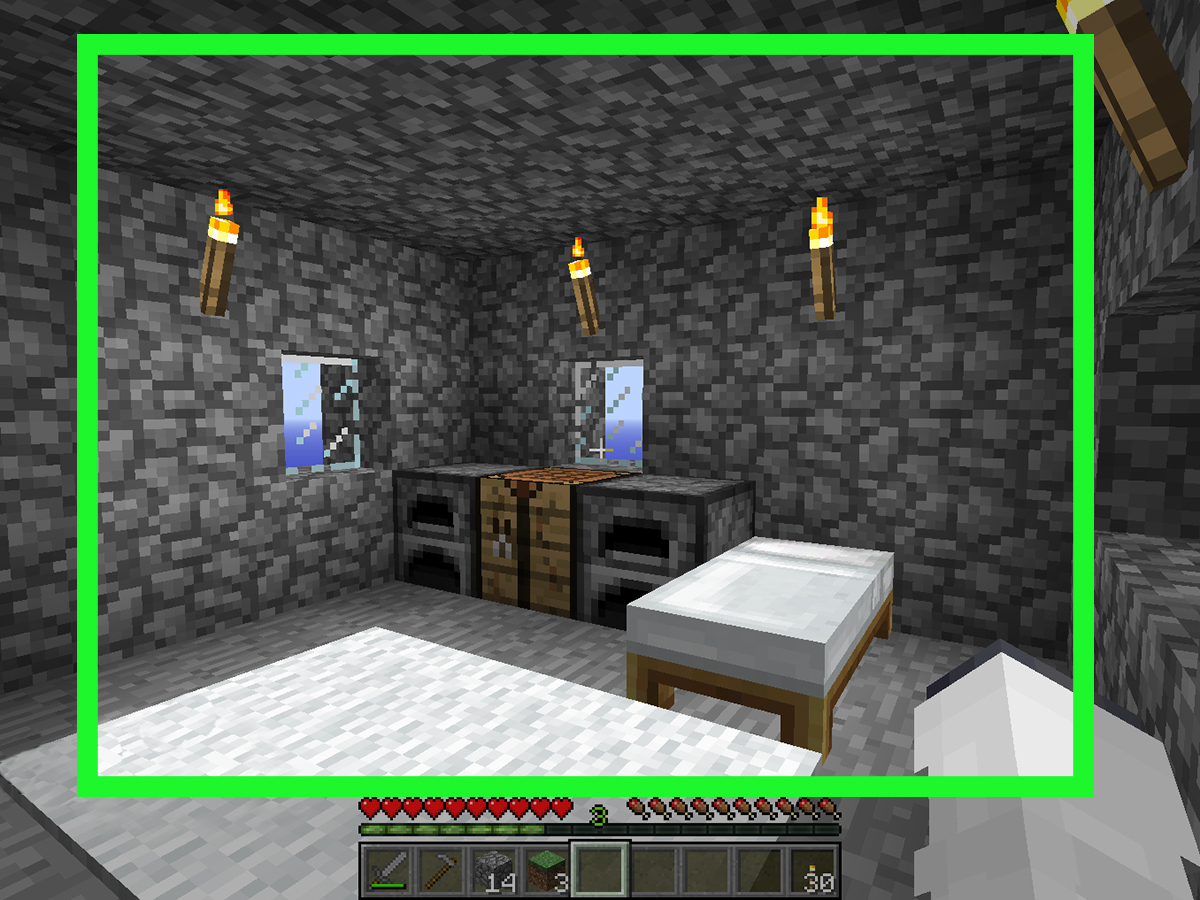
SkyBlock is one of those Minecraft ideas that sounds simple for about six seconds. You spawn on a tiny floating island. You get a tree, a chest, maybe a bucket of lava, maybe an ice block, and absolutely no sympathy. Then the game politely asks you to build an empire out of almost nothing. It is equal parts survival test, engineering puzzle, and personal attack.
The funny thing is that SkyBlock in Minecraft is no longer just one experience. What started as a classic survival challenge has splintered into several wildly different flavors. You can play the original minimalist map, jump into a giant multiplayer economy server, or go full mad scientist with modded SkyBlock packs and challenge variants like One Block. Same concept. Very different vibes.
This complete guide breaks down the three best ways to play SkyBlock in Minecraft, who each one is for, how to get started, and what to expect once your first tree starts looking suspiciously important. Whether you are brand-new to Minecraft SkyBlock or returning after a long break, this guide will help you pick the right version and avoid the classic beginner mistake of falling into the void while holding literally everything you own.
What Is SkyBlock in Minecraft?
At its core, SkyBlock is a survival challenge built around scarcity. Instead of spawning in a full Minecraft world with forests, caves, villages, and enough dirt to make bad decisions, you begin on a tiny island suspended in the sky. Your goal is to expand, automate, survive, and eventually thrive using limited starter resources.
The charm of Minecraft SkyBlock comes from its progression. A single sapling becomes wood, wood becomes tools, tools lead to cobblestone generation, cobblestone leads to expansion, and expansion leads to farms, trading, combat, and increasingly ridiculous projects. It turns Minecraft’s normal sandbox freedom into a tighter, smarter loop where every resource matters.
That basic premise stays the same, but the way you experience it changes a lot depending on how you play. That is where these three approaches come in.
Before You Start: Pick the Right Minecraft Edition
Before you dive into a floating survival panic attack, make sure you are using the right edition. Minecraft Java Edition is the usual home for classic downloadable SkyBlock maps, multiplayer servers like Hypixel SkyBlock, and most modded packs. Minecraft Bedrock Edition is the better fit if you want Marketplace content, cross-platform play, or a more plug-and-play setup on console, mobile, or Windows.
That matters because not every SkyBlock format works everywhere. A Java server setup is not the same as a Bedrock world. A modpack usually means Java. A Marketplace SkyBlock pack usually means Bedrock. So if you are wondering why your friend is fighting for auction-house dominance on a giant server while you are alone with a melon and trust issues, the edition difference is probably the reason.
1) Play a Classic SkyBlock Map
Best for: Pure survival fans, solo players, and people who love starting from almost nothing
The classic SkyBlock map is the version most players picture first. You begin on a tiny island with a chest of starter items and a few precious blocks. The challenge is simple: use what you have to create what you need. This is SkyBlock in its most elegant form.
If you want the original survival experience, this is the way to go. It feels focused, satisfying, and surprisingly tense. Early progress is slow in the best possible way. Every plank matters. Every misplaced block feels like a life lesson. Every successful cobblestone generator makes you feel like you should probably be handed an honorary engineering degree.
How to get started
On Java Edition, classic SkyBlock usually means downloading a custom map and loading it as a single-player world. On Bedrock, you can also find official or creator-made SkyBlock experiences through the Marketplace. Either way, the loop is familiar: spawn, assess resources, do not panic, and absolutely do not punch the only sapling into the void.
Early-game priorities
- Protect the island before expanding too fast.
- Plant and replant trees immediately.
- Build a safe cobblestone generator as soon as possible.
- Create a basic platform for mob spawning and farming.
- Start growing food before hunger becomes your manager.
The classic version rewards patience. You are not meant to blast through the first hour like an action movie hero. You are meant to think. Where does the water go? How do you save dirt? When is it worth using bone meal? How far should a mob platform sit from your base? That slower pace is exactly why many players still love classic SkyBlock years later.
Another reason classic SkyBlock works so well is that it highlights Minecraft’s survival systems. Farming, villager trading, block generation, mob control, storage planning, and island expansion all feel meaningful because nothing is free. In normal survival, cobblestone is background noise. In SkyBlock, cobblestone is civilization.
Why choose classic SkyBlock?
Choose this if you want the cleanest challenge and the strongest sense of progression. There is no oversized economy, no complicated meta, and no giant server hub trying to distract you with ten side systems and a leaderboard. It is just you, the void, and your ability to turn a tiny dirt patch into a functioning world.
2) Play SkyBlock on a Multiplayer Server
Best for: Social players, grinders, traders, and anyone who wants SkyBlock with MMO energy
If classic SkyBlock is a survival journal, multiplayer SkyBlock is a whole economy with trust issues. Servers take the basic floating-island idea and expand it into something much bigger. You still build an island, but now there are shops, skills, auctions, quests, minions, upgrades, events, rankings, and communities that somehow turn potato farming into a competitive profession.
The biggest example is Hypixel SkyBlock, which barely behaves like traditional SkyBlock after a while. It starts with the familiar island setup, but quickly evolves into a progression-heavy world with combat, gathering, crafting systems, island management, and a huge player economy. It is SkyBlock turned into an MMO, and that is either your dream or a warning label depending on your personality.
What makes server SkyBlock different?
Server SkyBlock adds scale. Instead of surviving alone, you are part of a living ecosystem. Prices fluctuate. Popular strategies spread fast. Players compare gear, builds, and money-making methods. On some servers, your island becomes a long-term home base. On others, it becomes one piece of a much larger progression ladder.
This style is ideal for players who enjoy:
- Trading and auction systems
- Co-op island play
- Long-term progression and grinding
- Community goals and social competition
- Specialized systems like minions, custom mobs, or skill trees
What to watch out for
Here is the catch: server SkyBlock can be amazing, but it can also be overwhelming. If you join a mature server and expect classic survival pacing, you may feel like you accidentally walked into a stock market run by wizards. Menus everywhere. Items with strange names. Currency systems. Progression paths that sound like accounting terms. It is a lot.
That does not make it bad. It just means you should go in with the right expectations. Server SkyBlock is less about minimalist survival and more about layered progression. The fun comes from mastering systems, building wealth, improving efficiency, and collaborating or competing with other players.
Why choose multiplayer SkyBlock?
Pick this if you want Minecraft SkyBlock to feel bigger, busier, and more alive. It is the best option if you enjoy community interaction and want a version of SkyBlock that can keep evolving over weeks or months. If classic SkyBlock is camping with one backpack, server SkyBlock is moving into a floating city where everyone is somehow selling enchanted vegetables.
3) Play Modded SkyBlock or Challenge Variants
Best for: Veterans, tinkerers, automation fans, and people who think “What if this got weirder?”
The third way to play SkyBlock is where things get deliciously chaotic. Modded SkyBlock takes the original formula and stretches it into tech trees, magic systems, custom recipes, automation lines, and alternate progression loops. A famous example is SkyFactory 4, which turns the humble floating island into a huge sandbox for engineering, resource generation, and long-term optimization.
Then there are challenge variants like One Block SkyBlock, where your world begins around a single regenerating block. Break it enough times and it cycles through phases, unlocking new materials, mobs, and surprises. It feels like SkyBlock and a loot box had a baby, then handed that baby a pickaxe.
Why modded SkyBlock feels different
In classic SkyBlock, your goal is survival and expansion. In modded SkyBlock, your goal is often systems mastery. You are not just building a farm. You are optimizing inputs, outputs, energy, storage, automation, and progression routes. Suddenly you are not surviving in the sky. You are managing a floating industrial park with magical side effects.
That makes modded SkyBlock incredibly satisfying for the right player. If you love efficiency, crafting chains, and solving resource puzzles, this may become your favorite version. It gives you the same “start from nothing” thrill, but opens the door to much deeper mechanics.
Who should play this version?
Choose modded or challenge-based SkyBlock if you:
- Already understand basic Minecraft survival
- Want more complexity and replay value
- Enjoy automation, tech mods, or magical progression
- Like maps with custom rules and surprises
- Want SkyBlock to feel fresh again
The only real warning is that modded SkyBlock can eat your free time like a polite but unstoppable machine. You log in to “set up one small processing line” and suddenly it is two hours later and you are debating fluid routing like it is a national policy issue.
Which SkyBlock Style Is Best for You?
| Style | Best For | Main Strength | Main Challenge |
|---|---|---|---|
| Classic SkyBlock Map | Solo survival players | Pure progression and clean challenge | Slower early game, fewer extra systems |
| Multiplayer Server SkyBlock | Social and competitive players | Community, economy, and long-term goals | Can feel complicated or grind-heavy |
| Modded or One Block SkyBlock | Experienced players and builders | Massive replayability and deep mechanics | Steeper learning curve |
If you are brand new, start with a classic map. If you love online progression and community, go with a server. If you have already done the basics and want your brain to make dial-up noises, try modded SkyBlock or One Block.
Common SkyBlock Beginner Mistakes
1. Expanding too fast
It is tempting to build a giant platform immediately. Resist that urge. Secure your resources first. A dramatic bridge to nowhere is still nowhere.
2. Wasting dirt and saplings
Dirt is not decoration in SkyBlock. It is infrastructure. Likewise, saplings are not “nice to have.” They are your renewable future.
3. Building unsafe generators
A sloppy cobblestone generator can destroy resources or push items into the void. Build carefully and test before committing.
4. Ignoring food production
Many beginners focus on blocks and forget hunger. The void is less scary than starving next to your unfinished farm.
5. Treating every SkyBlock mode the same
Classic, server, and modded SkyBlock are cousins, not twins. Strategies do not always transfer perfectly. Learn the rules of the version you are actually playing.
Final Verdict: The Best Way to Play SkyBlock in Minecraft
The best way to play SkyBlock in Minecraft depends on what you want from the game. If you want a smart, stripped-down survival challenge, classic SkyBlock is still king. If you want progression, trading, and a living player economy, multiplayer SkyBlock is the better choice. If you want automation, surprise, and long-term complexity, modded SkyBlock or One Block is where the real rabbit hole begins.
The good news is that none of these choices are wrong. They are just different flavors of the same brilliant idea: give the player almost nothing, then let creativity do the rest. That is why SkyBlock keeps surviving generation after generation of Minecraft updates. It turns scarcity into fun, progression into storytelling, and one little floating island into a full-blown obsession.
So pick your version, protect your saplings, and remember: the void is patient, but your first lava bucket is not.
SkyBlock Experience Notes: What Playing It Actually Feels Like
The first real SkyBlock experience nobody warns you about is how tiny your world feels at the beginning. In a normal Minecraft survival world, you can wander off and distract yourself. In SkyBlock, there is nowhere to wander. Your island is the whole conversation. You look at one tree, one chest, one patch of dirt, and suddenly that tiny setup feels more important than an entire mountain biome in regular survival. It is weirdly intense, and that is exactly why it works.
The second thing you notice is how fast your priorities change. In ordinary Minecraft, wood is everywhere, cobblestone is everywhere, and food becomes manageable pretty quickly. In SkyBlock, every block has a job. Every item feels like it belongs in a spreadsheet. You do not casually place a dirt block. You hold that dirt block like it is a family heirloom. Then you spend ten minutes deciding whether it should support a tree, a farm, or a platform extension. SkyBlock turns simple choices into strategy, and strategy into drama.
Then comes the cobblestone generator phase, which is basically the unofficial rite of passage. The first time you build one, you feel clever. The second time you build one, you realize the first one was a lawsuit waiting to happen. Most players eventually have a story about accidentally burning something, losing water, misplacing lava, or dropping a tool into the void at the exact moment they became emotionally attached to it. SkyBlock is very good at teaching humility in a blocky, efficient format.
Once the island starts growing, the emotional tone changes. Early SkyBlock is survival. Mid-game SkyBlock is momentum. Suddenly you have a tree area, a crop line, a mob platform, storage, maybe a generator room, maybe a little starter house you insist is “temporary” for six real-world days. The island becomes personal fast. It is not just a base anymore. It is proof that you can build something useful out of almost nothing, which is unexpectedly satisfying for a game about square vegetables and skeletons with boundary issues.
Multiplayer SkyBlock creates a totally different kind of memory. On a server, the fun is not just in surviving. It is in comparing your progress, learning weird shortcuts from other players, and seeing how wildly different two islands can become from similar starting points. One player turns their island into an efficient money farm. Another builds a floating castle. A third somehow creates both and still has time to argue about the market value of enchanted produce. The social part adds energy that solo SkyBlock does not have.
Modded SkyBlock, meanwhile, feels like discovering a secret second brain. You begin with the same familiar emptiness, but the systems keep opening up. Automation enters the picture. Machines appear. Resource loops get smarter. Suddenly your tiny survival challenge becomes a long-term engineering project. It scratches a completely different itch. It is still Minecraft, but now Minecraft has a clipboard.
What makes all of these experiences memorable is the same basic truth: SkyBlock makes progress visible. In a big normal world, improvement can blur together. In SkyBlock, you can literally look over the edge of your island and see where you started. That little patch of dirt becomes a landmark. The first tree feels historic. The first generator feels like industrial history. The first safe food supply feels luxurious. Few Minecraft modes make growth feel that clear, and that is why SkyBlock sticks with players. It is challenging, funny, occasionally cruel, and incredibly rewarding.