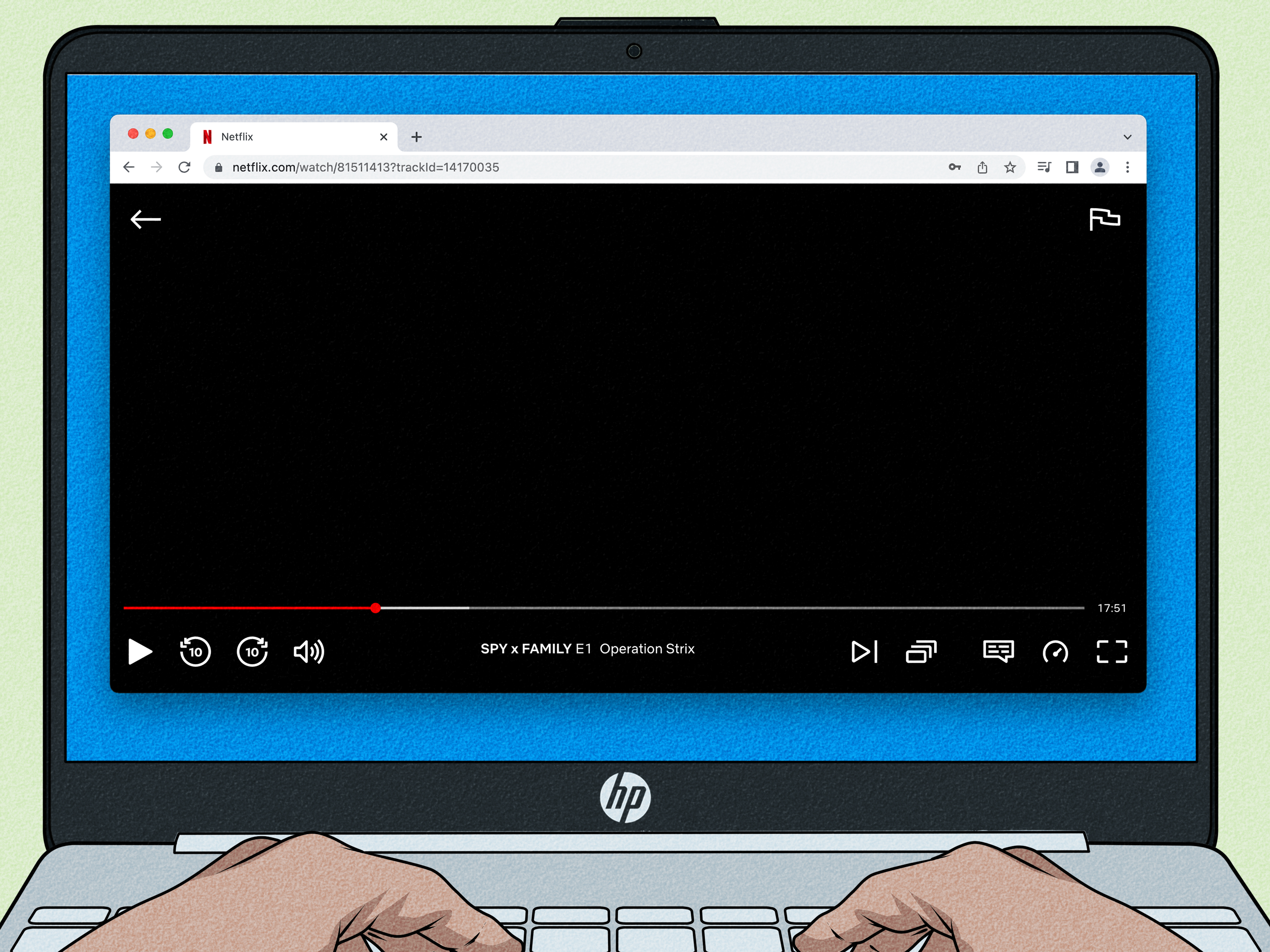
Your computer can be a television, movie theater, sports screen, DVR, andwhen a meeting gets slowa very tempting distraction. Whether you want local news, live sports, cable channels, or a weekend series marathon, you can watch TV on a desktop or laptop without installing mysterious software or balancing a cable box beside the keyboard.
The right method depends on what “TV” means to you. Free streaming platforms are excellent for casual viewing. Paid on-demand services are best for specific shows and movies. Live TV streaming packages most closely replace cable, while an antenna and tuner can deliver local broadcasts without a monthly channel bill. Here is how each option works, what it costs, and which setup makes the most sense.
What You Need to Watch TV on a Computer
For browser-based streaming, you need a reasonably modern Windows PC, Mac, or Chromebook, a current version of Chrome, Edge, Firefox, or Safari, and a stable internet connection. Browser support and maximum resolution vary by provider, so check the service’s system requirements if the picture looks softer than expected.
As a practical target, allow roughly 5 Mbps for an HD stream and more if several people share the connection. For 4K, you need faster internet, compatible hardware, and a plan that includes 4K playback. Ethernet is usually more reliable than Wi-Fi. If you use Wi-Fi, stay near the router and avoid forcing the signal through thick walls, appliances, or a decorative metal cabinet designed by someone who clearly disliked radio waves.
- Update the operating system and browser.
- Allow cookies, JavaScript, and protected-content playback.
- Connect speakers, headphones, or Bluetooth audio.
- Check simultaneous-stream and location rules.
- Use the provider’s official website or app.
Free Ways to Watch TV on Your Computer
1. Free Ad-Supported Streaming TV
Free ad-supported streaming television, commonly called FAST, combines scheduled channels with on-demand movies and shows. Legal services such as Pluto TV, Tubi, Plex, The Roku Channel, MyFree DIRECTV, Sling Freestream, and Philo’s free channels can be watched on a computer. Some work without an account; creating a free profile may add watchlists and cross-device progress.
Expect channels devoted to news, crime, classic sitcoms, reality TV, documentaries, children’s shows, sports discussion, and individual franchises. FAST platforms are ideal when you want to browse rather than find one exact current-season episode. Their trade-offs are commercials, rotating catalogs, and limited access to premium live sports.
2. Network and Local-Station Websites
Broadcast networks, cable brands, and local stations often provide free clips, selected episodes, news streams, and breaking coverage on their websites. Local news is especially easy to find. Full primetime episodes may be locked after a limited period or require a participating TV-provider login.
If your household already pays for cable, satellite, or an eligible streaming package, try the network’s “TV Everywhere” sign-in. You may already have access to live channels and complete episode libraries. Check before adding another subscription to the monthly bill like a digital houseplant.
3. Public Television
PBS stations and other public-media organizations offer documentaries, news, educational programs, children’s content, and selected local streams in a browser. Some extended libraries require a membership benefit, but plenty of programming is available free.
4. An Antenna and Computer TV Tuner
An antenna can receive free over-the-air broadcasts, but most computers need a tuner to decode them. A USB tuner connects directly to a compatible PC, while a network tuner connects the antenna to your router and sends local channels to devices around the home.
For example, compatible Hauppauge WinTV models can receive, pause, and record broadcast TV on Windows computers. HDHomeRun devices distribute antenna channels across a home network to supported laptops, desktops, and other screens. This can provide local ABC, CBS, NBC, FOX, PBS, and independent stations without a recurring channel fee.
Reception depends on distance from towers, terrain, building materials, antenna type, and placement. Check a local reception map before buying hardware. An antenna near a window may perform far better than one hidden behind the desktop tower where cables go to form lifelong emotional attachments.
Paid Ways to Watch TV on Your Computer
1. On-Demand Streaming Services
Netflix, Hulu, Disney+, Max, Peacock, Paramount+, Prime Video, Apple TV+, and similar services work through supported computer browsers. They are best for viewers who care more about specific series, original productions, movies, and older seasons than a traditional channel guide.
On-demand plans usually cost less than full live TV packages, particularly at ad-supported tiers. However, catalogs change, live local channels are limited, and sports rights are scattered. One economical strategy is subscription rotation: keep one or two services, finish the shows you want, cancel, and switch later. Most plans are month-to-month, so there is no medal for maintaining eight subscriptions simultaneously.
2. Live TV Streaming Services
Live TV streaming services deliver scheduled networks, local stations in supported markets, cloud DVR features, and sports. Major U.S. choices include YouTube TV, Hulu + Live TV, Sling TV, Fubo, DIRECTV streaming packages, and Philo. They work on computers through supported browsers, but channel lineups, prices, stream limits, and regional coverage differ.
- YouTube TV: A broad cable replacement with major networks, sports, local channels in supported areas, and unlimited cloud DVR. The standard package is premium-priced, so it makes sense for households that will use it heavily.
- Hulu + Live TV: Combines more than 100 live channels with Hulu’s on-demand library and bundled Disney and ESPN access under current plans.
- Sling TV: Offers smaller, customizable packages that may cost less, although local-channel and sports coverage require careful checking.
- Fubo: Focuses strongly on live sports while carrying entertainment and news networks. Regional fees or add-ons can increase the total.
- DIRECTV: Provides full packages and smaller genre-focused choices, with useful options for viewers seeking particular channels or regional sports networks.
- Philo: A lower-cost, entertainment-focused service with live channels and cloud DVR, but fewer local-network and sports choices.
How to Choose a Paid Live TV Service
Do not shop by channel count alone. A 150-channel package is poor value if it omits the two networks you watch. Write down your must-have channels, teams, leagues, local stations, and household viewing needs. Then compare:
- Local network availability in your ZIP code
- Regional sports networks and blackout policies
- Cloud DVR limits and recording expiration
- Simultaneous streams and household profiles
- Travel and home-location restrictions
- Add-on costs and the regular price after promotions
How to Start Watching in a Browser
- Open the provider’s official website in a supported browser.
- Create an account or sign in.
- Complete location verification if live channels require it.
- Select the Live, Guide, Channels, or On Demand section.
- Leave video quality on Auto unless data usage is limited.
- Enter full-screen or picture-in-picture mode.
Picture-in-picture is useful for news or sports, but proceed carefully. A tiny floating television window can turn a ten-minute email task into a three-episode archaeological dig.
Fix Buffering, Black Screens, and Poor Video Quality
Try Another Supported Browser
Protected streaming video uses digital rights management, and resolution may differ by browser. If playback fails, update the browser, allow protected content, clear site data, or test a private window. Temporarily disable extensions that block scripts, cookies, or media.
Check Your Connection
Pause game downloads, cloud backups, and other streams. Move closer to the router or connect with Ethernet. Restarting the browser, computer, modem, and router can clear temporary errors, which is why “turn it off and on again” remains technology’s most annoyingly successful spell.
Inspect External Displays
Audio with a black picture may signal an HDCP or display-chain problem. Disconnect docks, capture devices, adapters, or older monitors one at a time. Use a modern HDMI or DisplayPort cable and update the graphics driver.
Avoid Illegal Streaming Sites
Sites promising free premium sports, pay channels, or new movies without authorization often rely on deceptive pop-ups, fake download buttons, invasive tracking, and malware. Legal free services already provide more television than most people can finish in one lifetime.
Which TV Option Is Best for You?
| Viewer | Best Starting Point | Main Trade-Off |
|---|---|---|
| Casual channel surfer | Pluto TV, Tubi, Plex, or The Roku Channel | Ads and fewer current premium shows |
| Movie and series fan | One or two on-demand services | No complete live channel lineup |
| Sports-focused household | YouTube TV, Fubo, Hulu + Live TV, Sling, or DIRECTV | Higher price and possible blackouts |
| Budget entertainment viewer | Philo or a smaller channel package | Fewer local channels or sports |
| Local broadcast viewer | Antenna plus USB or network tuner | Hardware cost and reception limits |
Conclusion
Free FAST platforms are the easiest way to begin watching TV on a computer. On-demand subscriptions are best for targeted shows and movies. Live TV services provide the closest cable replacement, while an antenna and tuner can be the most economical long-term answer for local broadcasts.
Identify the content you truly watch, verify local and sports availability, and test the service on your real computer. The best setup is not the one with the most channels. It is the one that reliably plays your favorites without turning the monthly bill into its own dramatic miniseries.
Real-World Experience: What Usually Works Best
In everyday use, computer TV setups improve when viewers stop searching for one service that does everything. The most practical arrangements are combinations: a free platform for casual viewing, one paid service for premium shows, and a separate solution for local channels or sports. That may sound less elegant than an all-in-one package, but it often costs less and better reflects what people actually watch.
The Second-Monitor Experience
A common home-office setup uses one display for work and another for news, baseball, weather coverage, or a familiar sitcom. Free live channels are useful because the viewer does not need to choose a specific episode. Lowering the stream to 720p or 1080p instead of forcing 4K often reduces buffering and processor load with little visible difference on a smaller screen.
The Accidental Cable-Bundle Experience
New cord-cutters sometimes subscribe to a premium live TV package, several movie services, a sports add-on, and a premium channel during the same enthusiastic weekend. The total can equal the cable bill they meant to escape. A better approach is to keep a two-week viewing diary. Record every channel, show, and game actually watched, then build the setup around that list. Many households discover that free local news, one entertainment service, and a seasonal sports subscription cover most needs.
The Sports-Fan Experience
Sports create the hardest decisions because rights are split among broadcast networks, cable channels, regional networks, leagues, and streaming platforms. A service may advertise “live sports” yet omit the local team that matters. Check the exact league, team, ZIP code, channel, and blackout policy before paying. For playoffs or short tournaments, subscribing for one month and canceling afterward may be smarter than keeping an expensive package all year.
The Antenna Experience
With over-the-air television, placement matters as much as the tuner. Moving an indoor antenna several feet, raising it near a window, or aiming it toward local towers can transform unstable reception into reliable HD. An amplifier may help weak signals but can overload strong ones. A network tuner is convenient because the antenna can stay in the room with the best reception while the computer remains elsewhere.
The Browser-Troubleshooting Experience
When a legal stream produces audio without video, repeated buffering, or a DRM error, the subscription may be fine. Switching supported browsers often solves the issue. Other reliable fixes include updating the browser, allowing protected content, clearing site data, disabling a conflicting extension, reconnecting an external monitor, or changing hardware-acceleration settings. Testing in a private window quickly reveals whether stored cookies or extensions are involved.
The most dependable strategy is to start free, add a paid service only when it solves a defined problem, and review subscriptions every few months. Prices, catalogs, sports rights, and viewing habits change. A computer makes switching easy, so use that flexibility instead of recreating a permanent cable bundle one app at a time.
{

  "meta_title": "Watch TV on Your Computer: Free & Paid Options",

  "meta_description": "Learn how to watch live TV, movies, sports, and local channels on a computer using free streams, paid services, or an antenna.",

  "sapo": "Your laptop or desktop can replace much of a traditional television setupoften with less hardware and a more flexible bill. This guide compares legal free streaming platforms, paid on-demand subscriptions, live TV services, network websites, and antenna tuners. It also explains browser requirements, sports and local-channel limitations, playback fixes, security tips, and practical ways to combine services without rebuilding an overpriced cable bundle.",

  "keywords": [

    "watch TV on computer",

    "free live TV streaming",

    "paid TV streaming services",

    "watch live TV online",

    "computer TV tuner",

    "stream local channels",

    "cord cutting options"

  ]

}